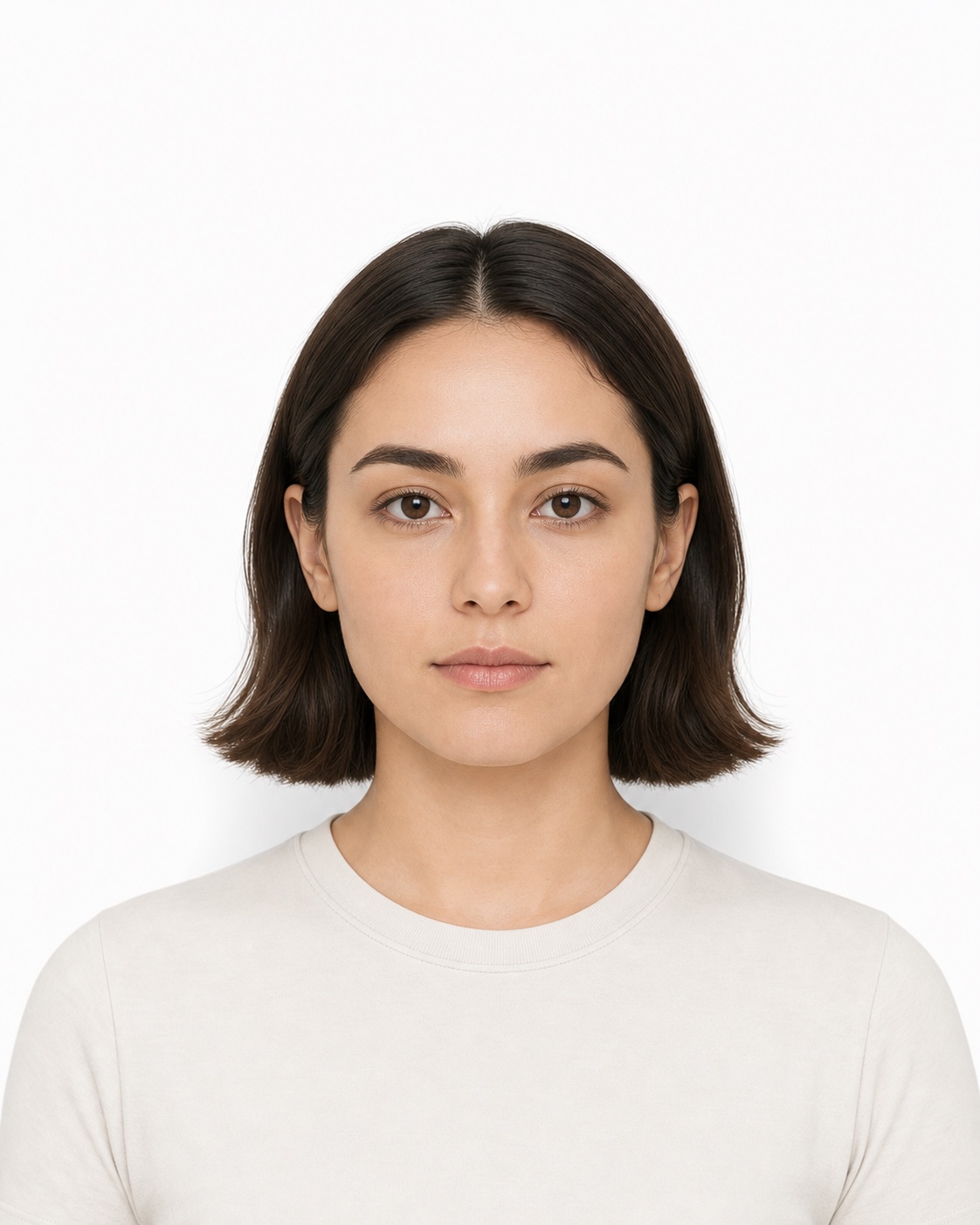
Decide in context
Compare two or three generated looks without reopening product pages or losing the selected variant.
LoifyFit connects exact-frame AI try-on, prescription intake, guided mobile refraction assistance, and order readiness—without losing the Shopify product and variant the shopper chose.
Built for Shopify prescription-eyewear merchants.
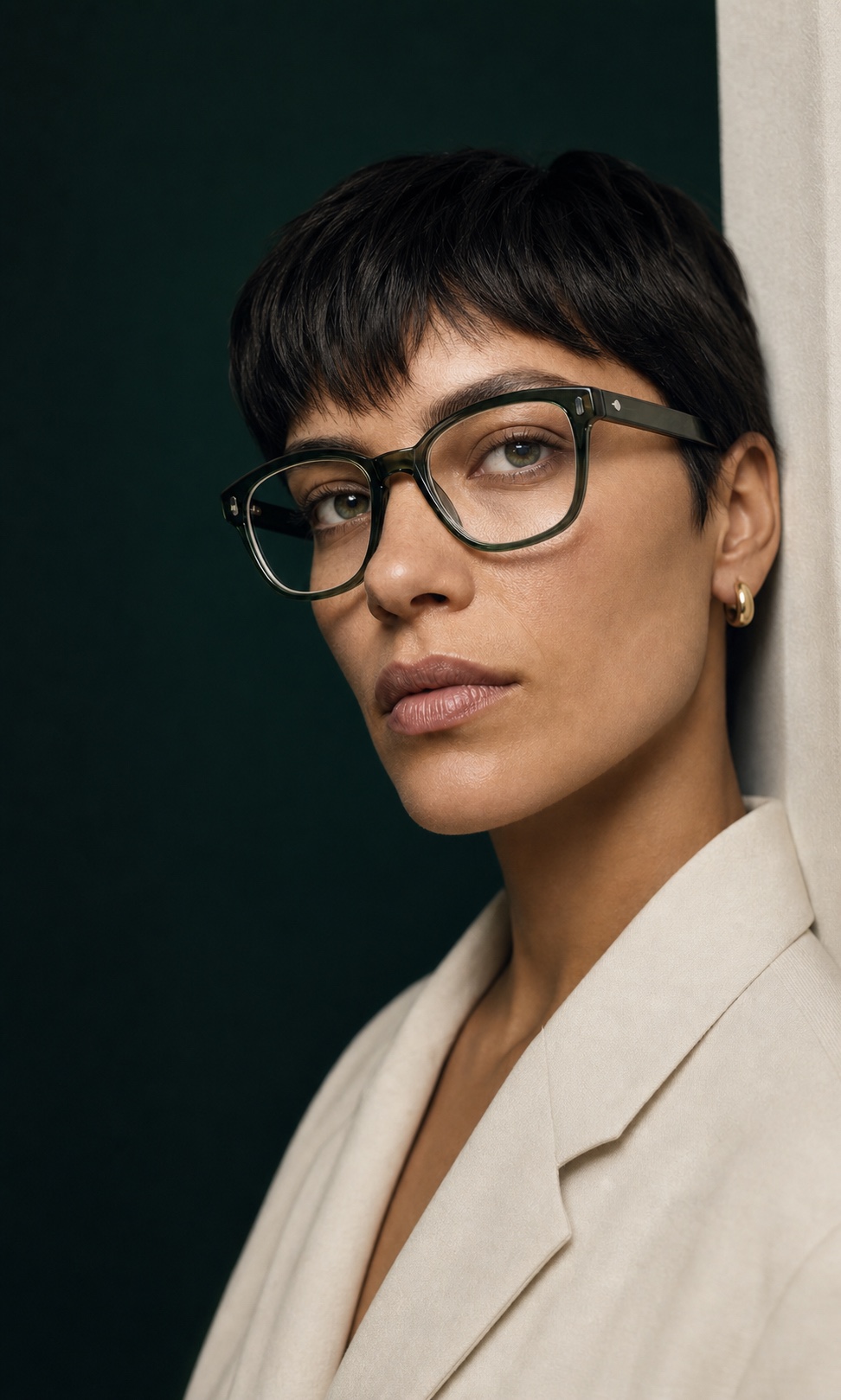
AI try-on, built for a decision
LoifyFit generates the selected frame and color on the shopper’s own photo, then keeps two or three results together for comparison. A clearer visual choice can shorten frame selection, support purchase confidence, and reduce appearance-related uncertainty before checkout.
AI try-on helps answer “Which frame?” Physical fit and prescription readiness remain separate checks; LoifyFit keeps the exact Product and Variant attached as the shopper moves forward.
Compare two or three generated looks without reopening product pages or losing the selected variant.
Seeing a familiar face in the exact frame and color can make the next step toward cart easier.
A clearer preview may help avoid some returns driven by shape, color, or overall appearance feeling different on arrival.
The unsolved handoff
A shopper can find a frame they love and still stop at the prescription step. If usable data is missing, the journey breaks into uploads, manual follow-up, or an off-site exam. The product context fragments. The cart waits.
Exact product and color stay attached to the shopper session.
Usable refraction data is missing. The purchase path breaks.
Without a supported source, the merchant cannot fulfill the lens order.
The missing product is the handoff.
One connected flow
LoifyFit meets shoppers where they are—then brings every supported path back to the same product, variant, profile, and cart.
When there is nothing to upload, the journey can still continue.
Use the values from a current prescription, then check every field.
A prescription image becomes a draft—not a silent submission.
Center your face. Keep steady and look at the target.
LoifyOptometry supports eyewear selection. It does not provide medical diagnosis and does not replace a comprehensive eye examination by a licensed professional. Unsupported or uncertain results are not marked order-ready.
Without losing the thread
The same product, variant, shopper session, measurement result, and cart stay connected from the first click to the merchant record.
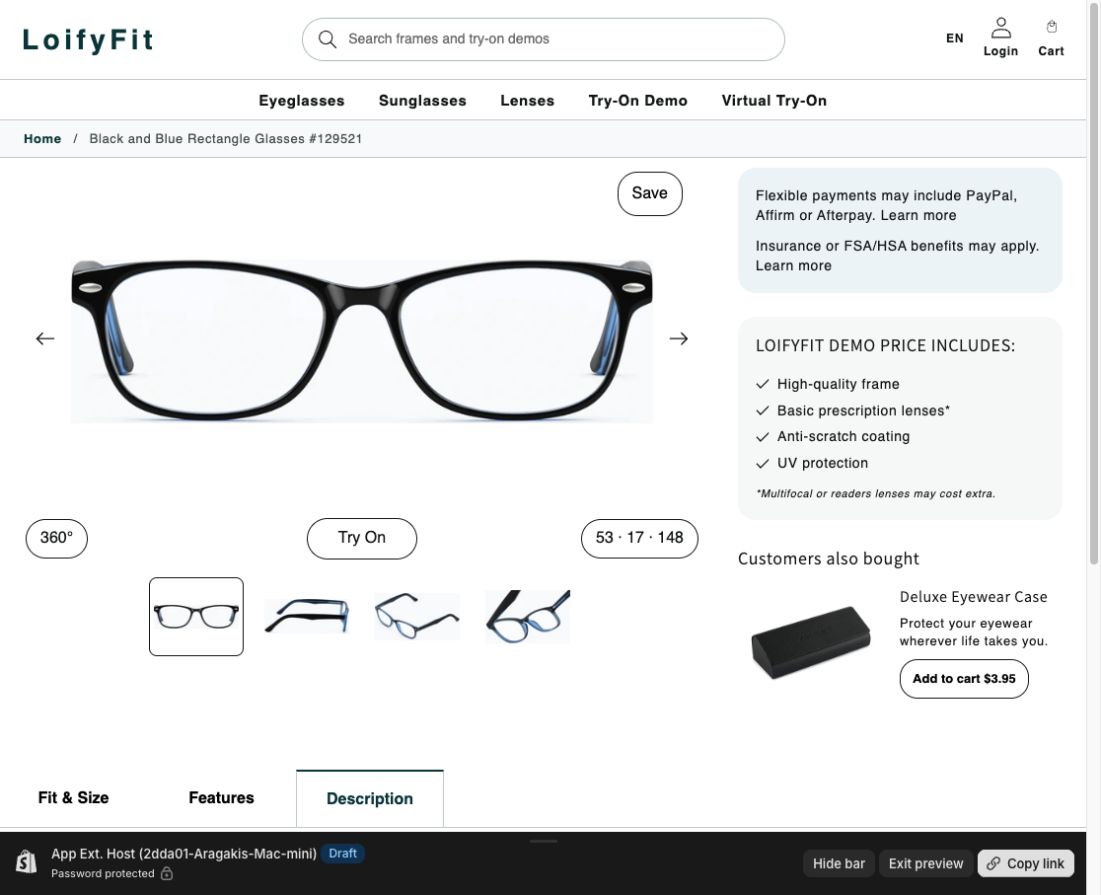
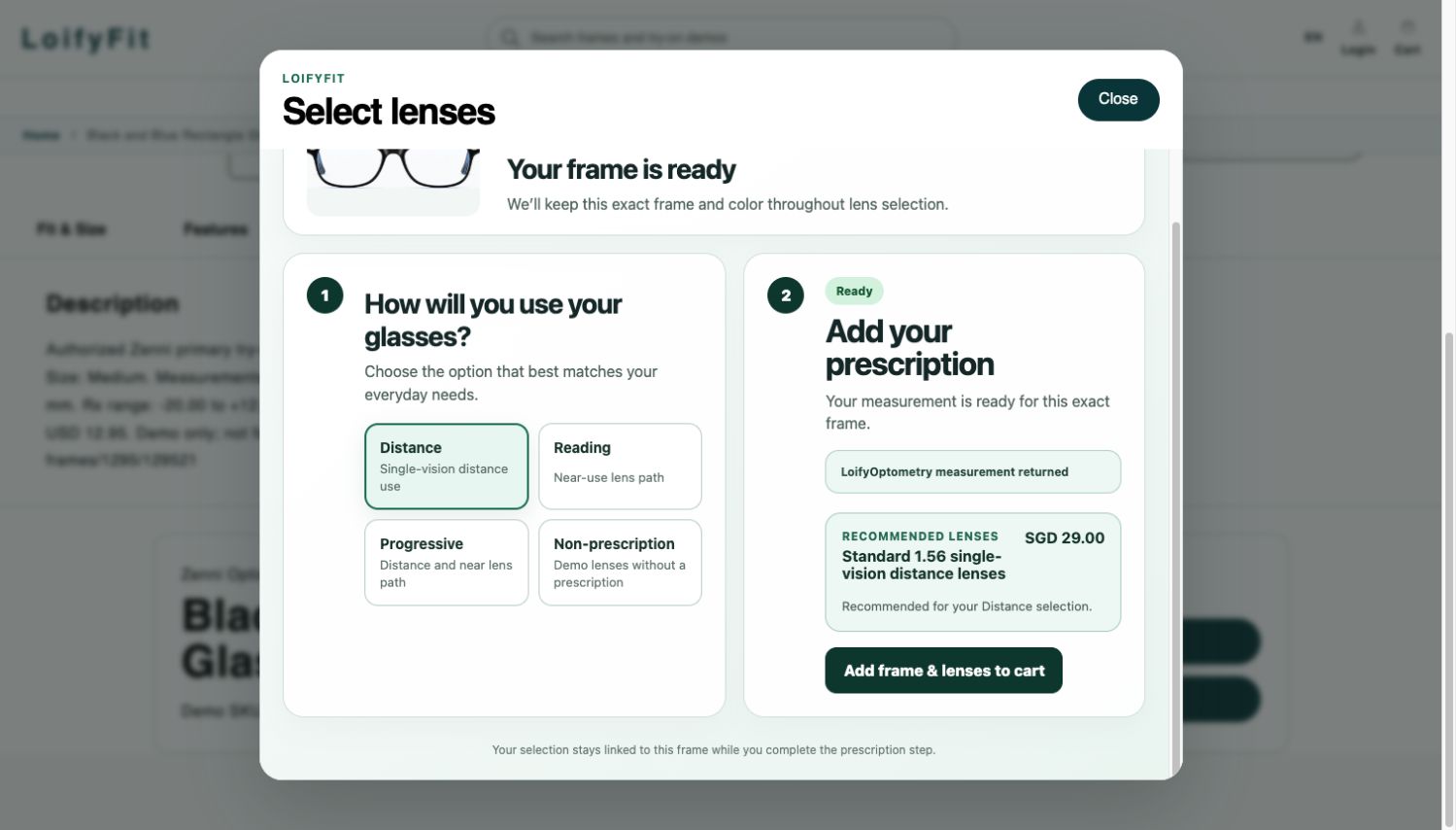
Exact Product + Variant
AI try-on + comparison
Secure phone handoff
READY or REVIEW_REQUIRED
Frame + lens snapshot
Built around the order
Keep the selected frame and color consistent from try-on through cart.
Manual entry, upload and confirm, or guided LoifyOptometry handoff.
Incomplete or unsupported cases require review instead of silently passing through.
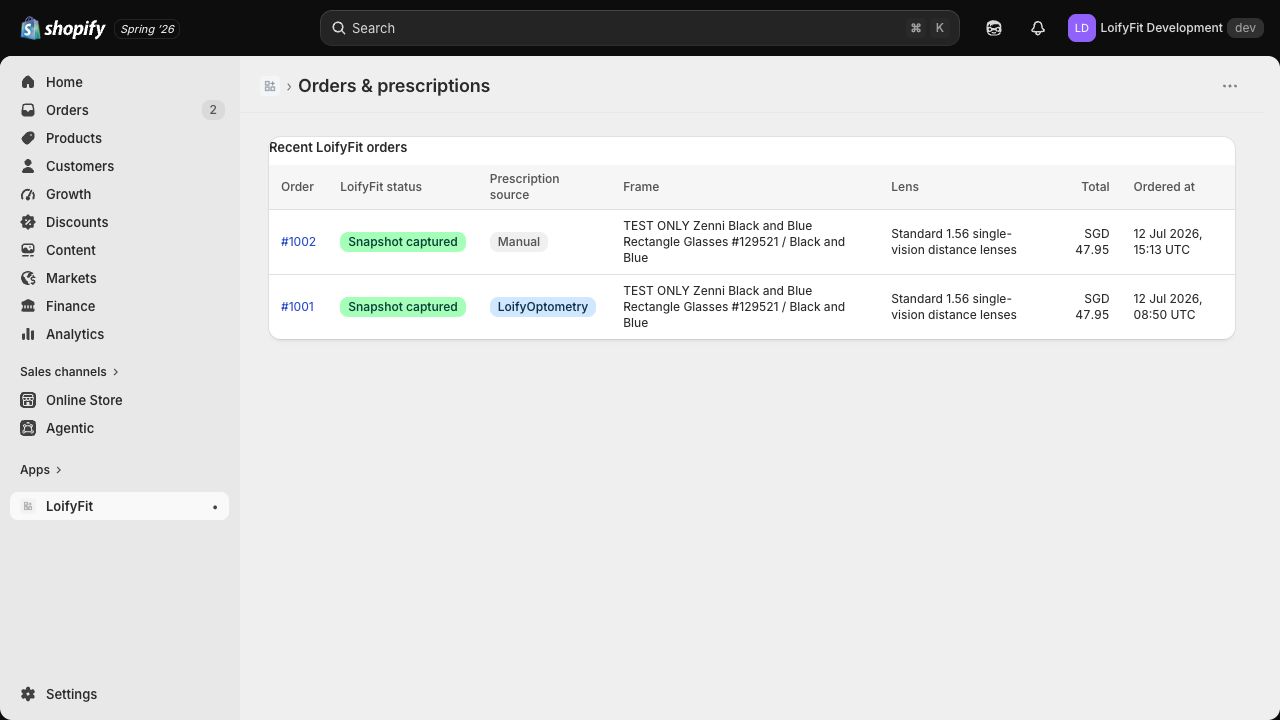
See source, readiness, frame, lens, and captured order snapshot in the embedded app.
Shopify app
Two storefront blocks
One order context
One Shopify app. Two storefront blocks.One order context.
Portraits stay in private LoifyFit storage.
Full prescription values stay out of theme and cart data.
Opaque references connect records.
Merchant views are tenant-scoped.
Pilot LoifyFit
See how LoifyFit can fit your Shopify prescription-eyewear flow.